This HowTo is a extension of the How to read a node and all the subnodes in Node-RED. This HowTo shows one possibility how to recursively read deeply nested ctrlX PLC data structures in Node-RED. It automatically discovers subnodes at any depth and reads their current values. The collected PLC data can then be saved in InfluxDB for monitoring and analysis.
Prerequisites
Problem Descritpion
PLC applications can contain deeply nested structures, as shown in this example: plc/app/Application/sym
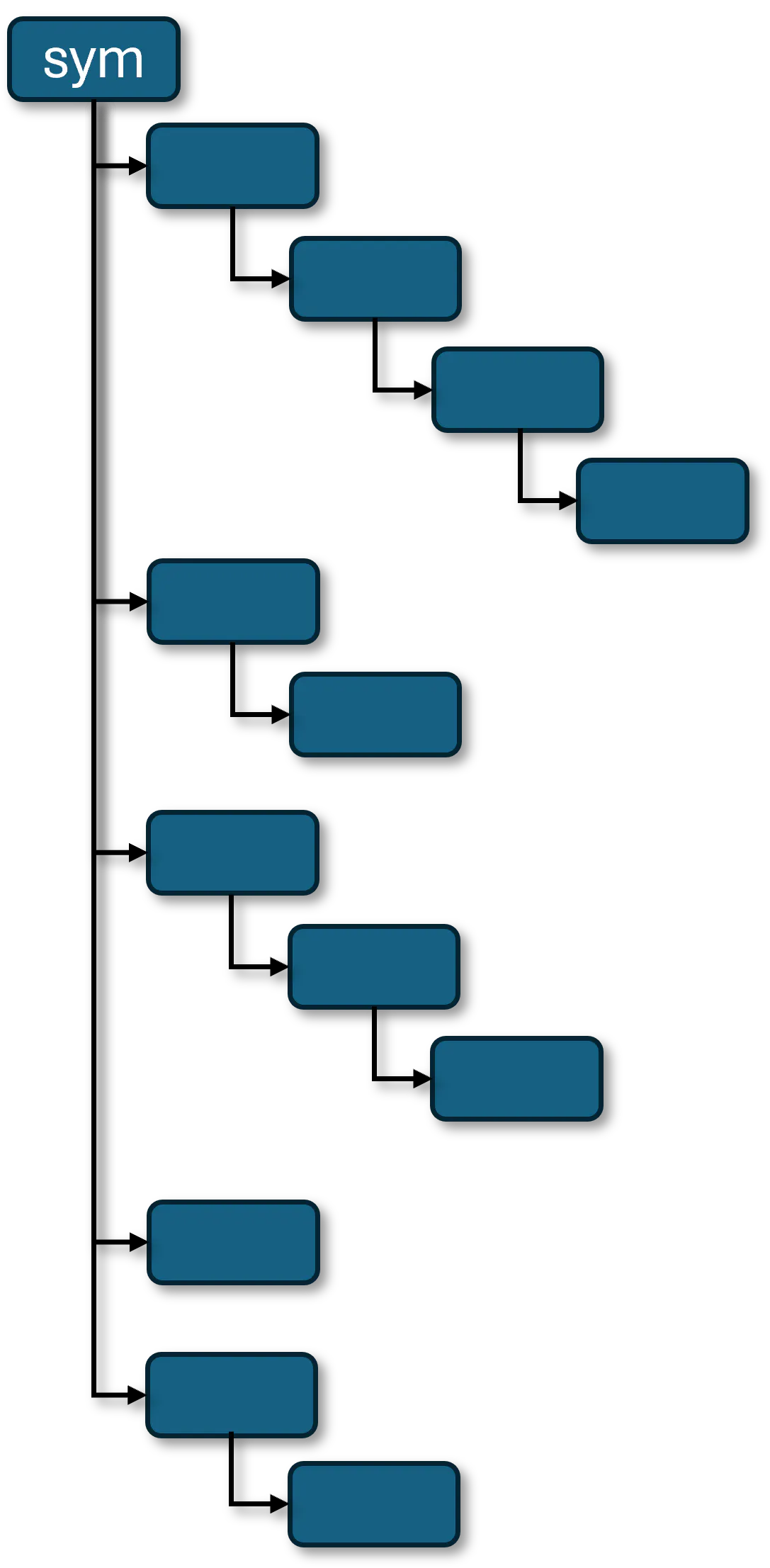
Manually defining every Data Layer path is time-consuming and error-prone, especially when the PLC structure changes or grows. A standard read request does not automatically collect values from every nested level, so the hierarchy must be discovered and read recursively. Especially when the end goal is to save the values in a database such as InfluxDB.
Problem Solution
Using Node-RED the flow starts at the configured root path, plc/app/Application/sym, and recursively browses all available subnodes. [gallery]
Every final value path (leaf node) is automatically collected and stored in the Node-RED global context, so no individual PLC variable paths need to be configured manually. Afterwards, the flow reads all stored paths every 10 seconds, combines the values into a single clean payload, and saves them to InfluxDB. If a single path cannot be read, the rest of the polling cycle can still continue.
With this flow, the sampled values are stored in InfluxDB using the PLC Data Layer path relative to plc/app/Application/sym as the field name.
Notes and Limitations
This solution showed good results on a ctrlX CORE X3 with approximately 200 different variables. However, it is not intended for applications with a very high number of variables or sub-second sampling rates from the Data Layer. For these use cases, system performance and resource utilization should be evaluated carefully.