Hello,
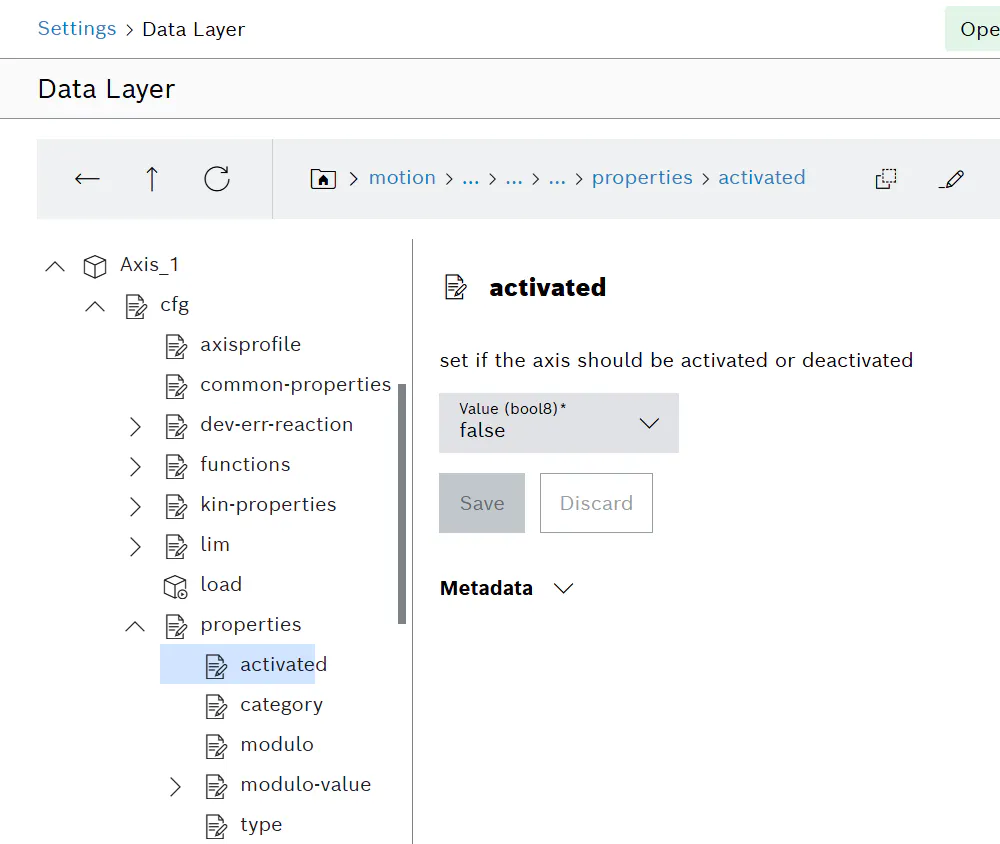
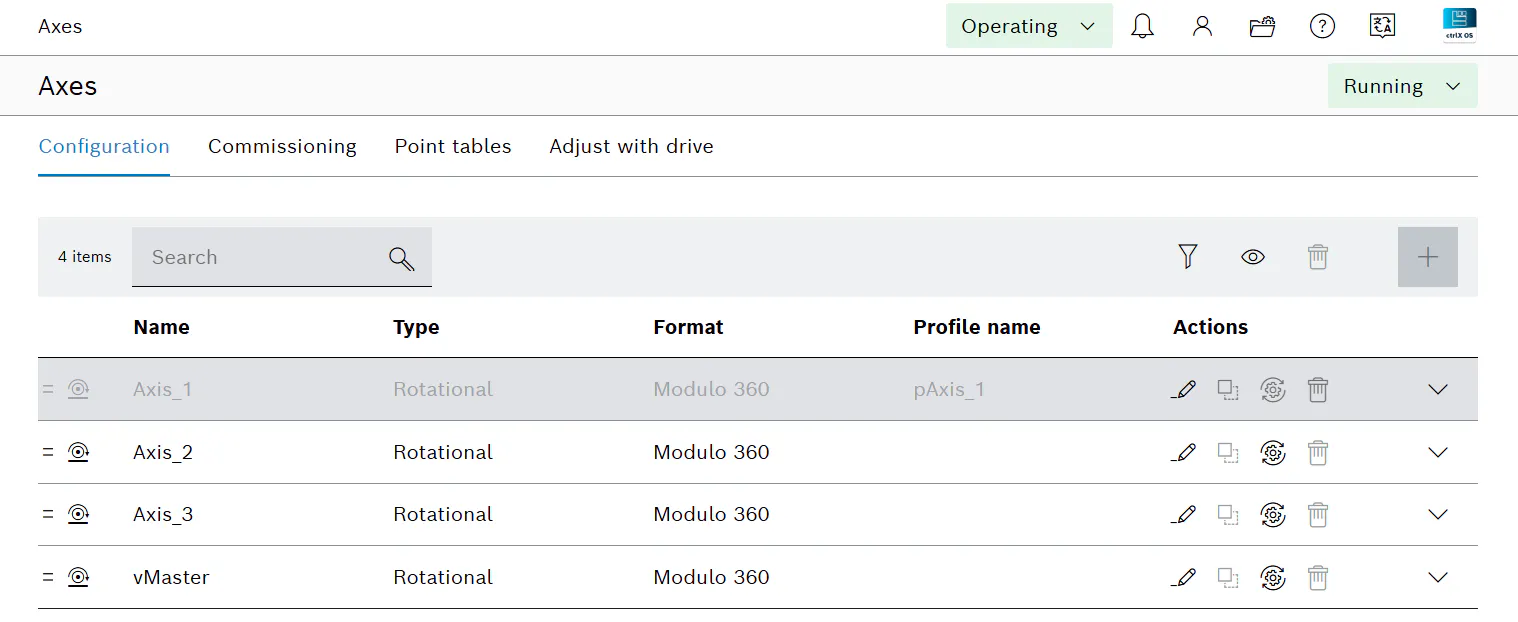
With Motion 4.6.0 there is a feature to support modular machine concept. If a configured real axis is missing, we can easily disable it in the Data Layer as shown below. Then we can get to Running even if the associated drive is missing, and executing function blocks for the missing axes should not trigger error.
But on the EtherCAT side, we will still have the error "Topology not ok" if the expected drive is missing, unless we go through the manual process of disabling the drive in IO Engineering and re-downloading the new configuration.
Is there a way to easily disable a missing EtherCAT device via Data Layer/PLC fb without touching I/O Engineering, similar to how we disable it in the Motion app?
Best regards,
Brian