Hello,
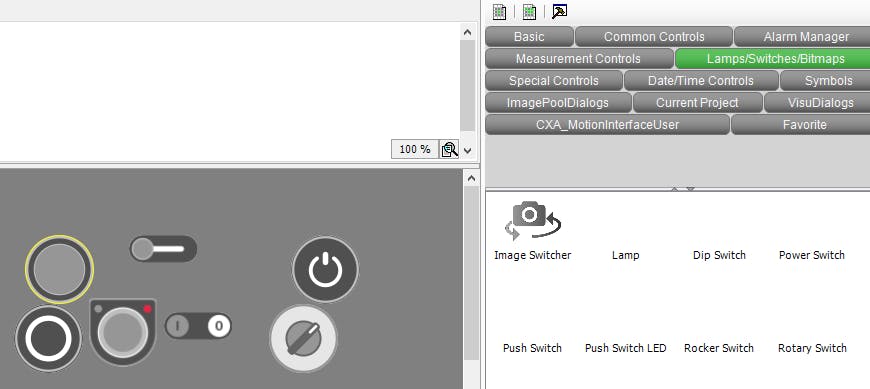
I have a customer with an issue on their PLC Engineering 2.6 version. For some reason, they cannot see the visualization widgets inside of PLC Engineering, either on the visualization window, or on the toolbox. However, once they compile and view it on a standard web browser, the images show up just fine. So the issue appears to be related to how PLC Engineering views the objects.
Here is the view from the customers PC
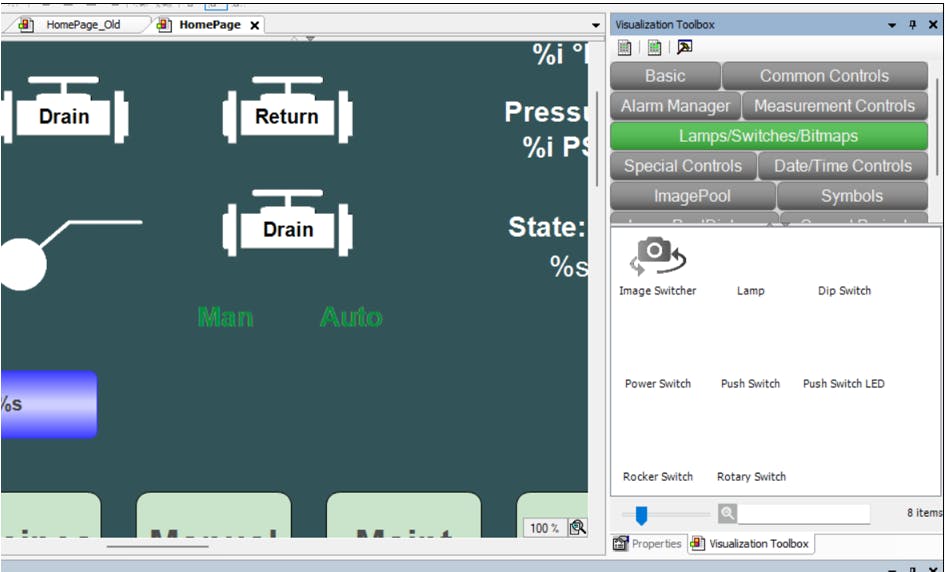
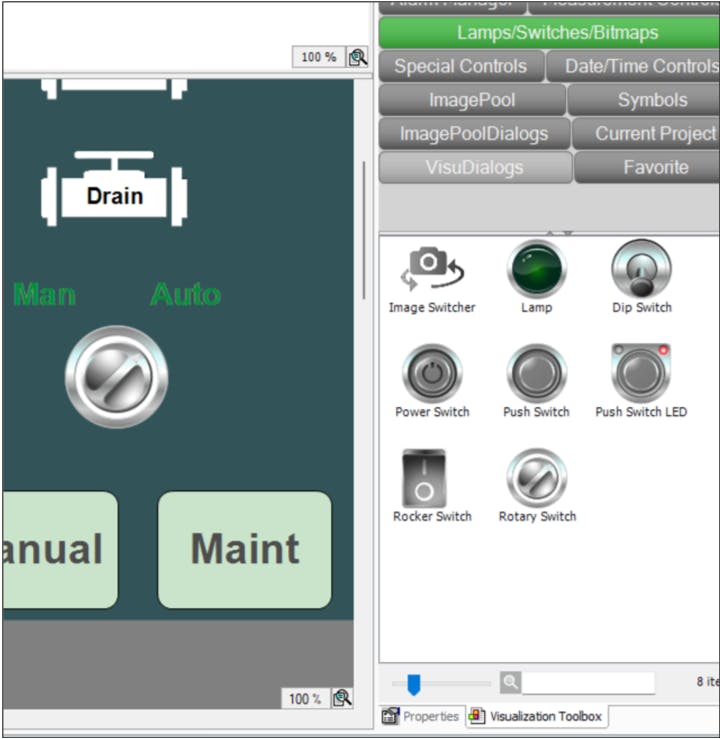
Here is the view from a working computer displaying the same project:
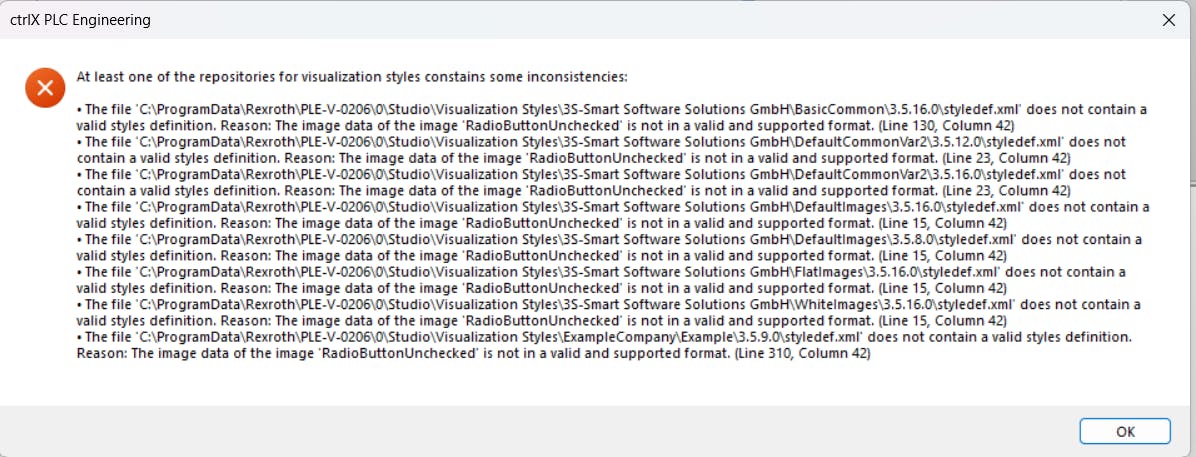
Another data point: When they open the Visualization Style Repository, they see the following error:
They have tried to reinstall PLC Engineering, but the issue didn't resolve itself. They have also tried restarting the PC, opening a blank project, and opening a working project from another PC, and they have the same issue each time.
Any idea what could be causing this problem? Any help would be appreciated!