
Is it possible to switch of the virtual keypad in WR21 with Android, while my visu software has it own virtual keypad?
Disable WR21 Android virtual keypad?
Best reply by HmiGuide
You can disable the virtual keypad of WR21 with Android by the following steps:
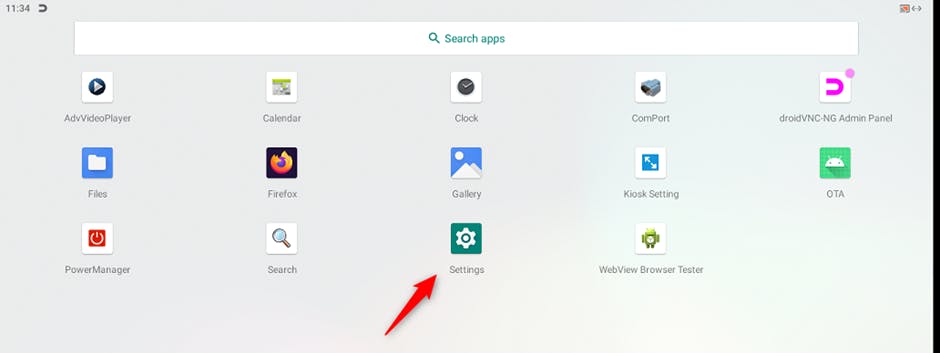
Swipe from bottom of screen to top, until apps screen is visible
Tap icon „Settings
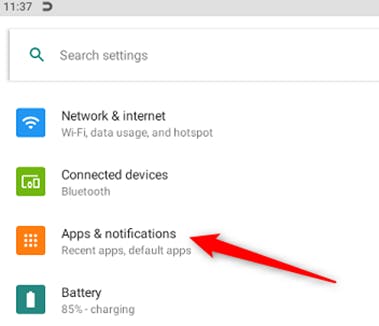
Tap „Apps & notifications“
Tap icon „Apps & notification”
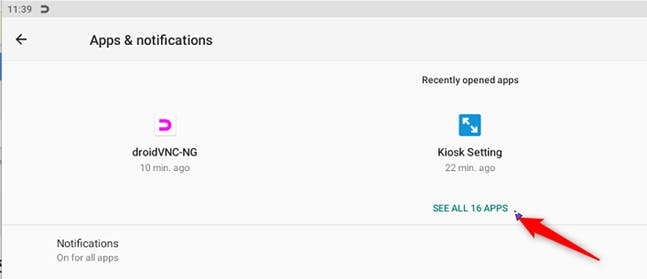
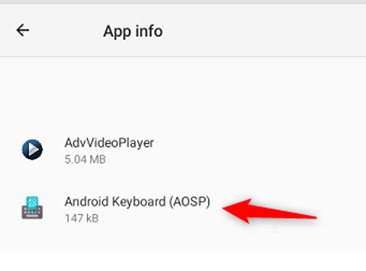
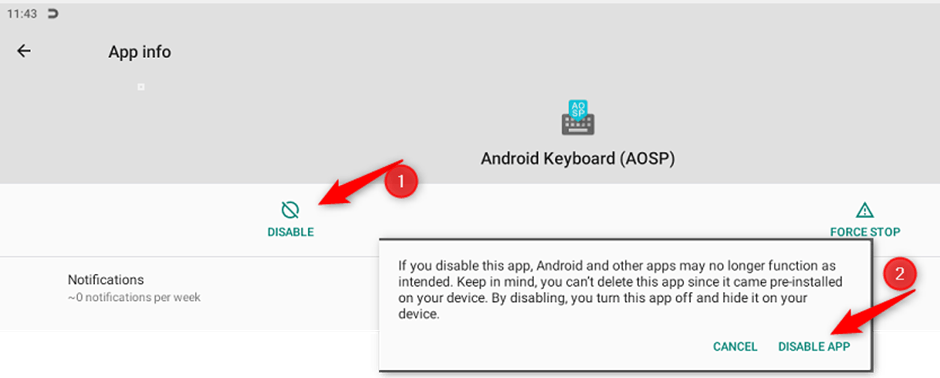
Tap text “See all 16 APPS”, then tap “Android Keyboard (AOSP)
Tap “Disable” (1) and confirm dialog box with button “DISABLE APP” (2)
That's it. You have disabled the virtual keypad
2 replies