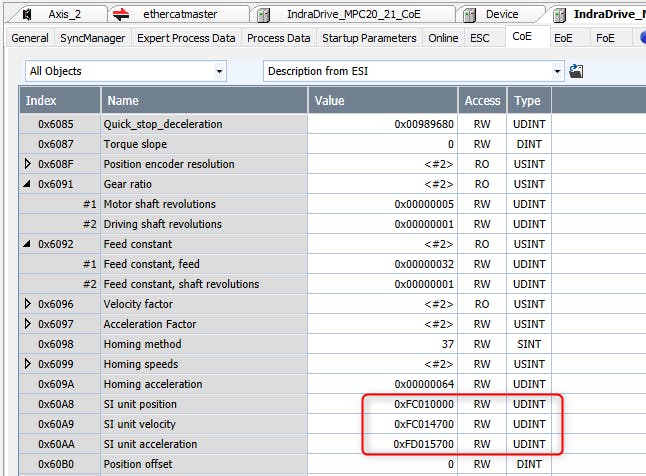
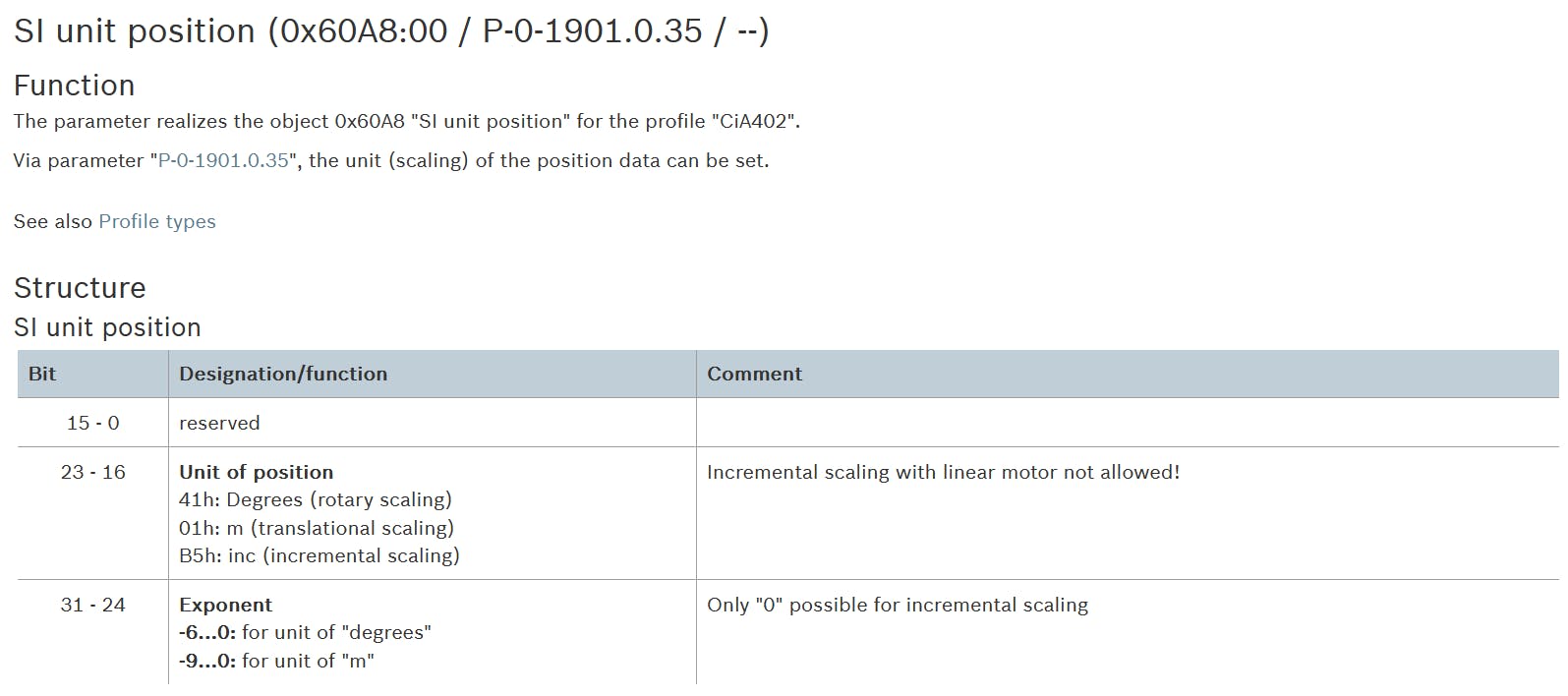
Hello,
we have an application using a hydraulic valve IAC FWA HDB20 communicating with CoE with a third party control. If I try to change the exponent of the position in the Mechanical Scaling, it always come back to -4 after leaving parameter mode. if I change to SoE or if I disable CiA402 Profile, I can change the exponent without any problem. Is this a behaviour of Cia402? Is there any work around to solve this situation?