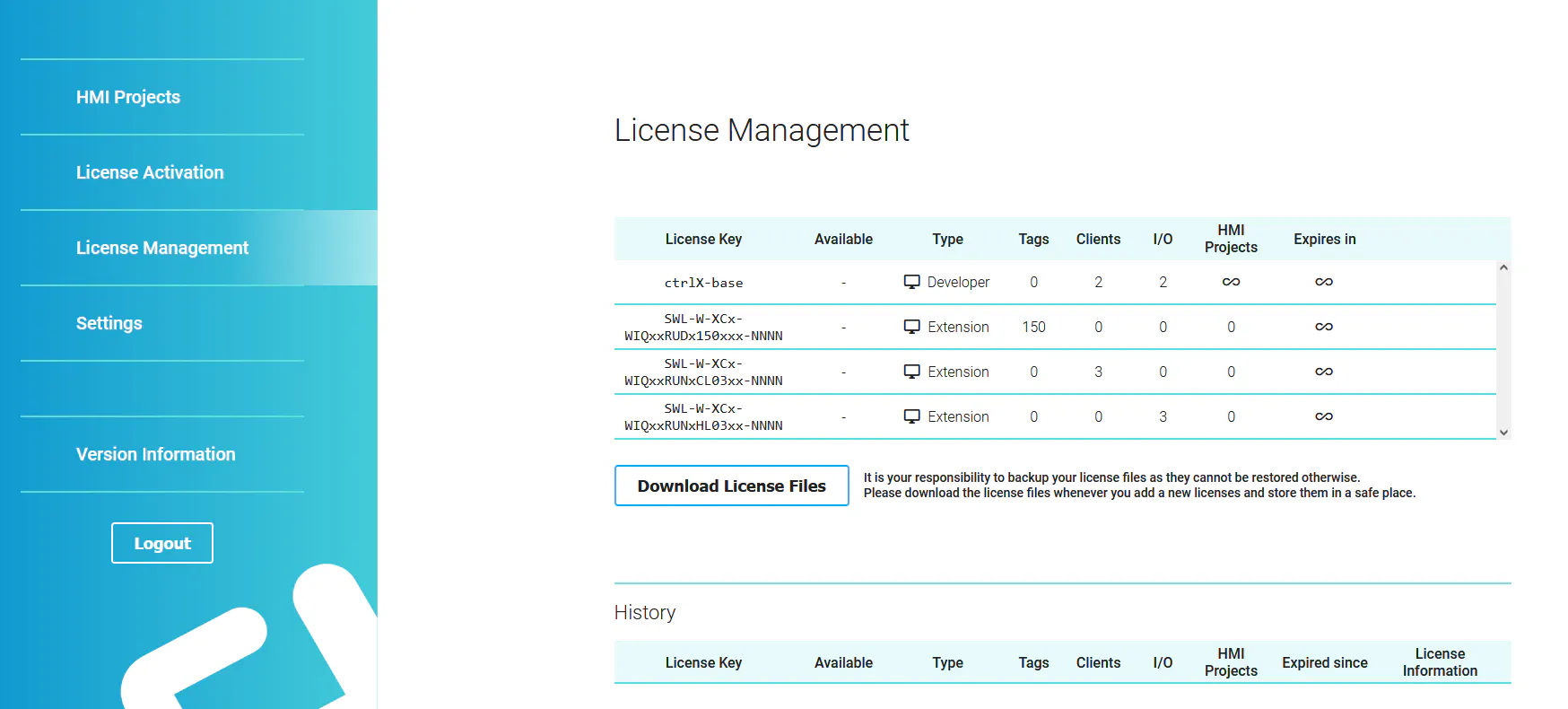
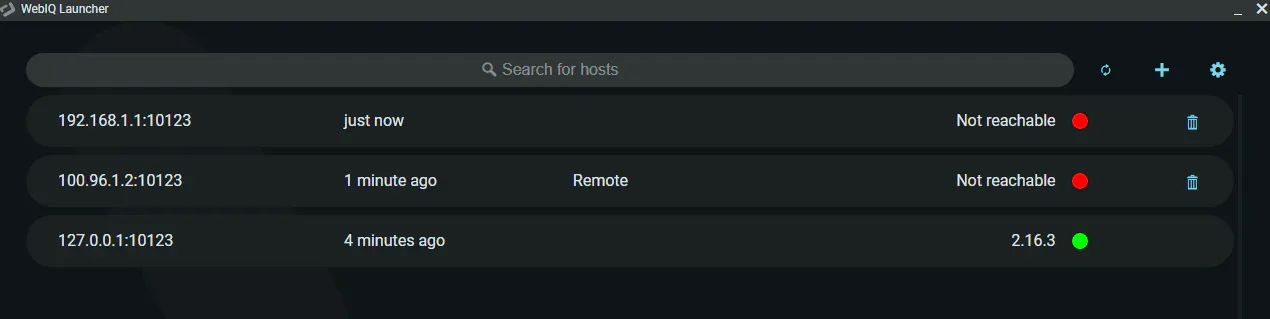
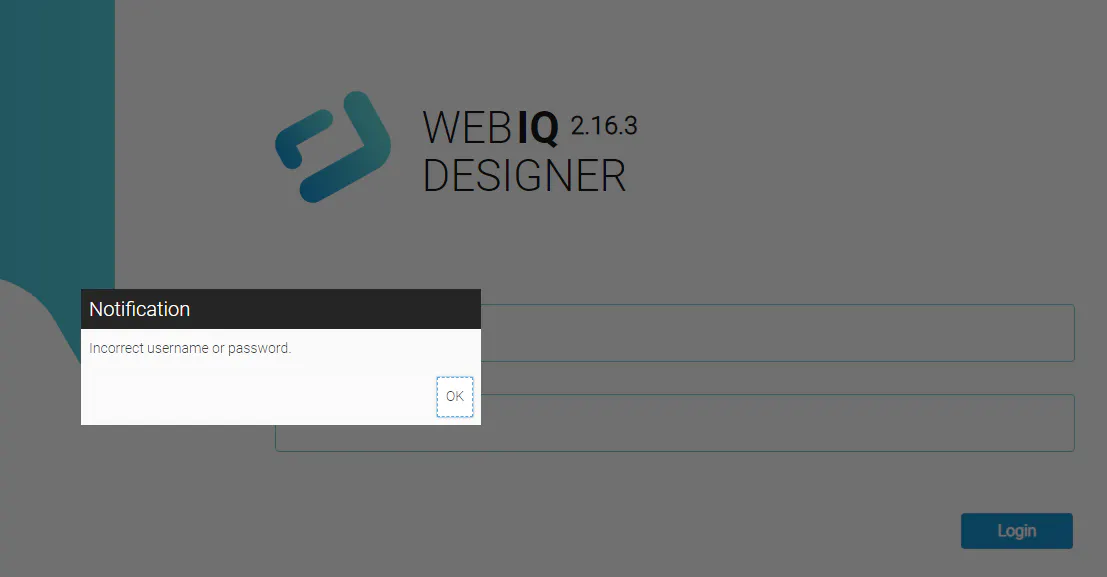
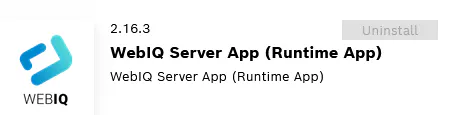
Hello, I am running a ctrlx core X3 v1.20 remotely using VPN app. The webiq license seems to be working fine. But when I tried to open the webiq Desiger for the 1st time, it doesn't prompt me for a new password and the default password (boschrexroth) doesn't work.
Does this license only work with direct connection, no remote? If remote is possible, how do we reset the password or login in the program?
Thanks.