Hi,
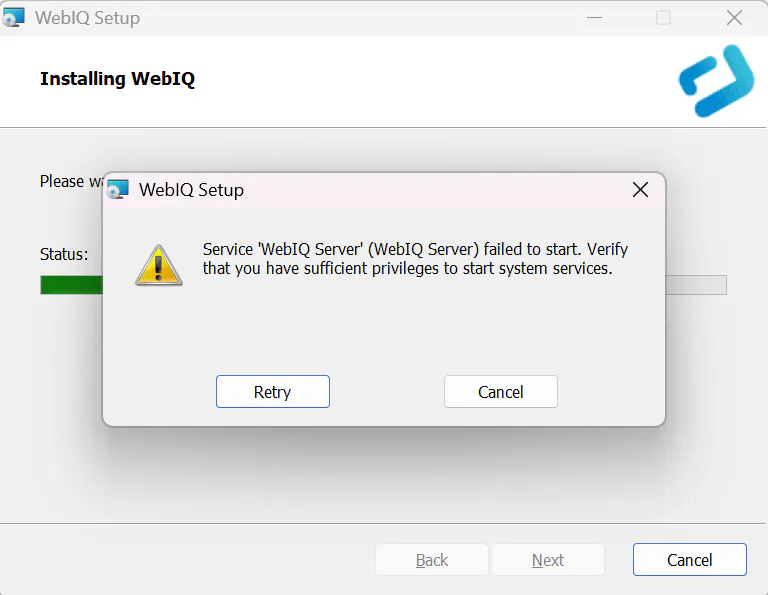
I tried to install WebIQ Designer for Windows v2.15.7 on my laptop but I was unable to proceed because of an error message: "Service WebIQ Server failed to start. Verify that you have sufficient privileges to start system services."
My laptop is running Windows 11 Home and it does not have Group Policy Editor unless it is a Windows 11 Pro but I followed some steps online to install it manually.
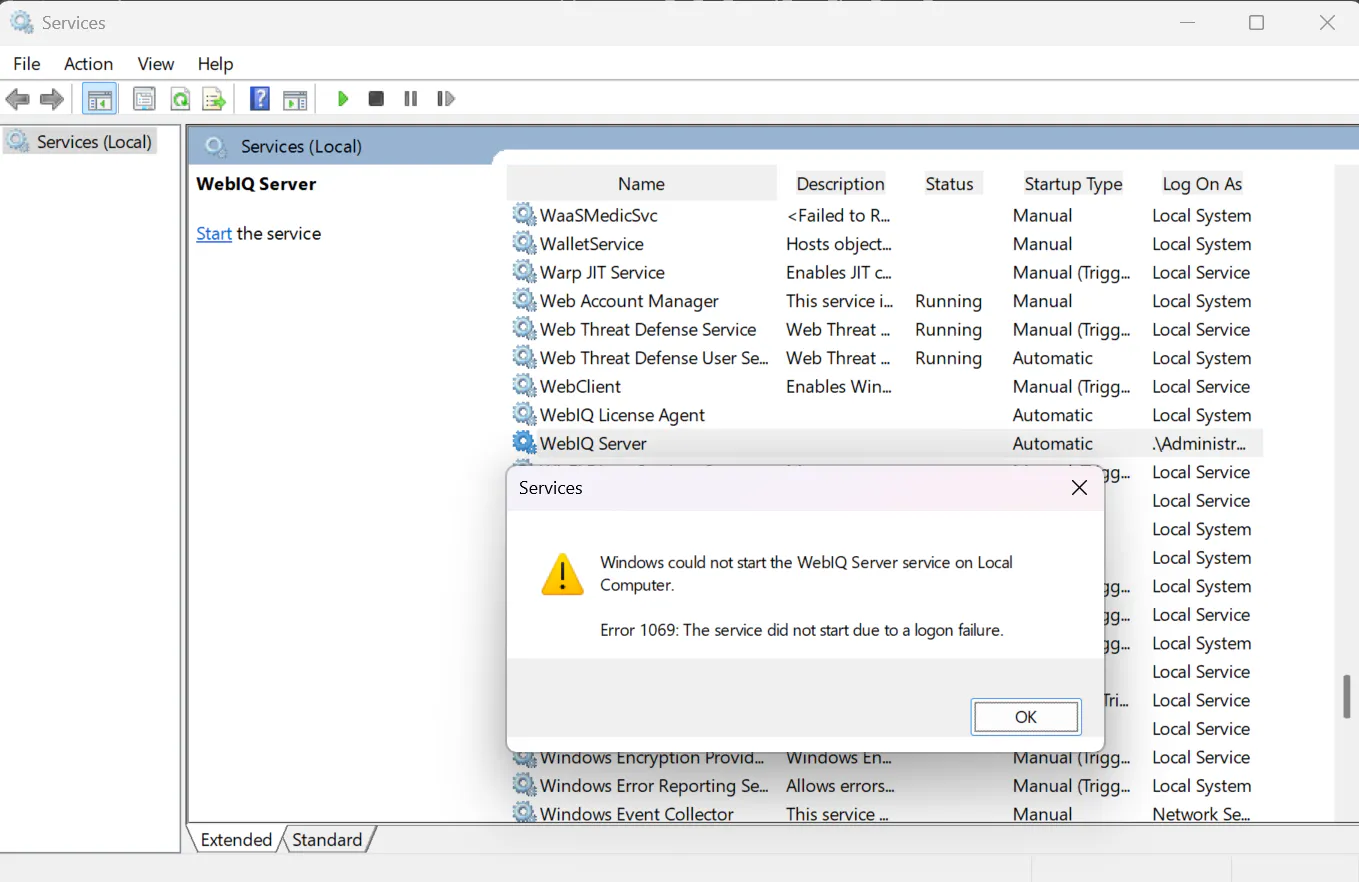
So, I opened Services and tried to start the WebIQ server manually but I got another error message: "Windows could not start the WebIQ Server service on Local Computer. Error 1069: The service did not start due to a logon failure."
Anyone faced the same issue? Any solution?
Thanks!