Introduction
This How-To describes the integration of a Emerson AVENTICS Ethernet/IP AV valve system into ctrlX OS. Other Emerson AVENTICS Ethernet/IP valve systems can also be commissioned in this way.
Step-by-Step guide
Step 1:
First, the Ethernet/IP scanner must be installed and integrated into CODESYS. To do this, follow these instructions:
CODESYS fieldbus add-on installation guide for ctrlX AUTOMATION
Step 2:
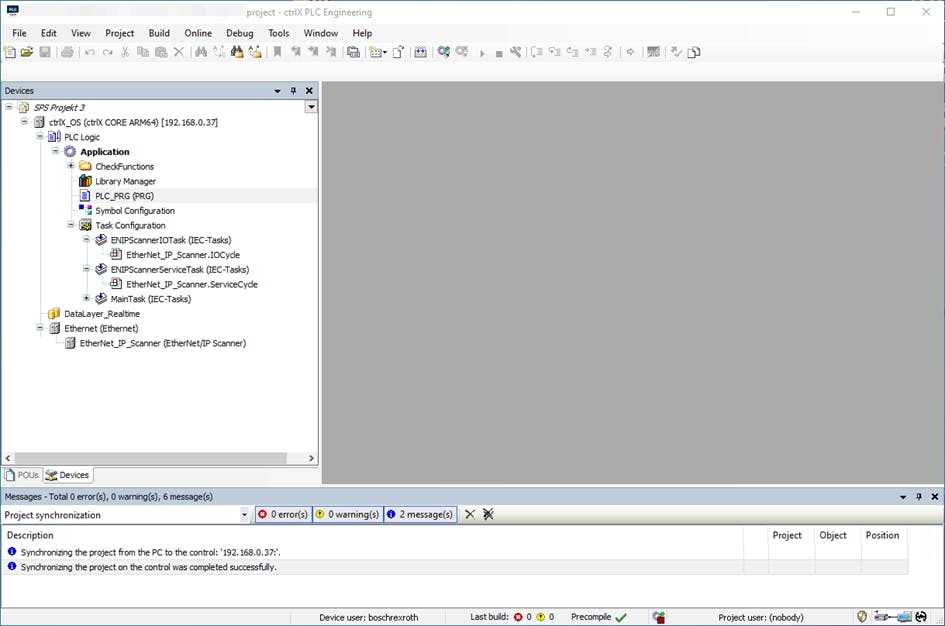
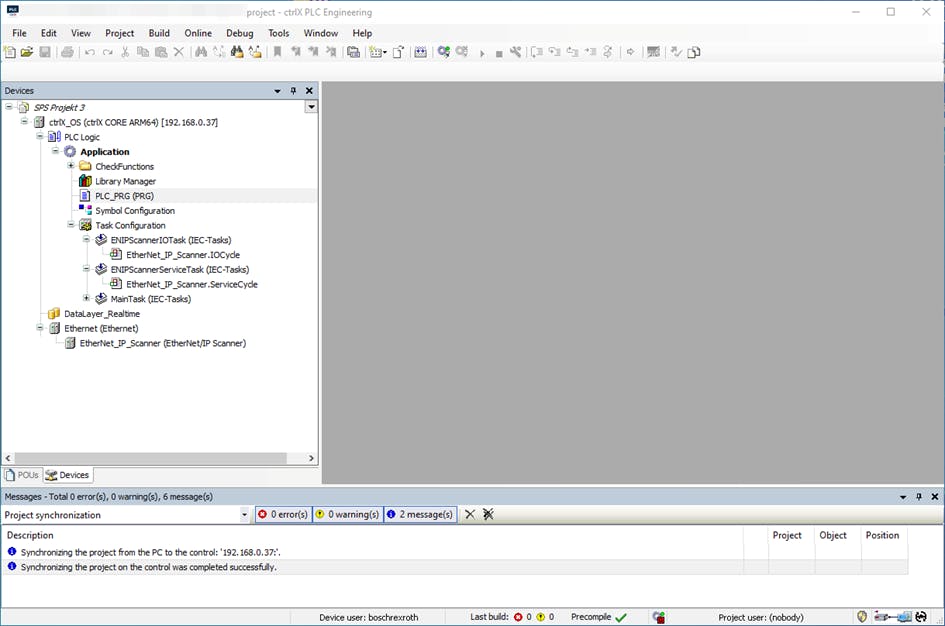
If the Ethernet/IP scanner is configured, the ctrlX PLC engineering should look like this:
Step 3:
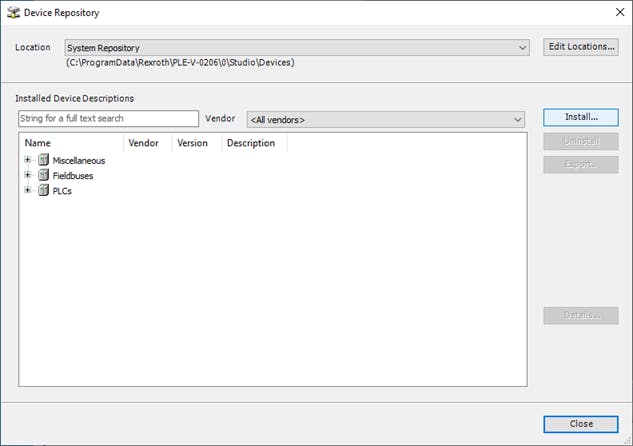
Install the description file (EDS file) of the AES Ethernet/IP unit, if this has not already been done. See Tools->Device Repository... click.
In the window that opens, click Install.. button, select the description file (EDS File) of the AES Ethernet/IP and install it.
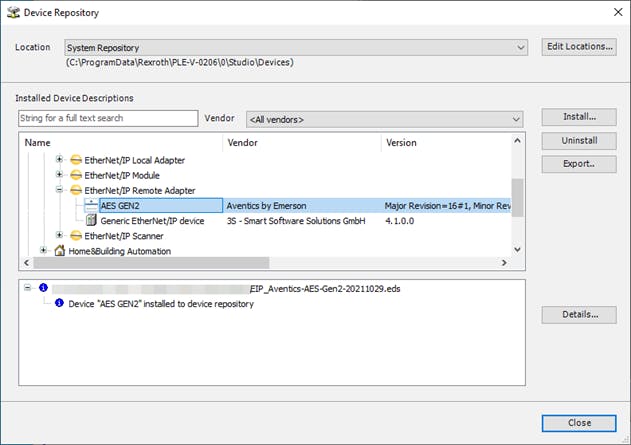
After installation, the window should look like this.
Step 4:
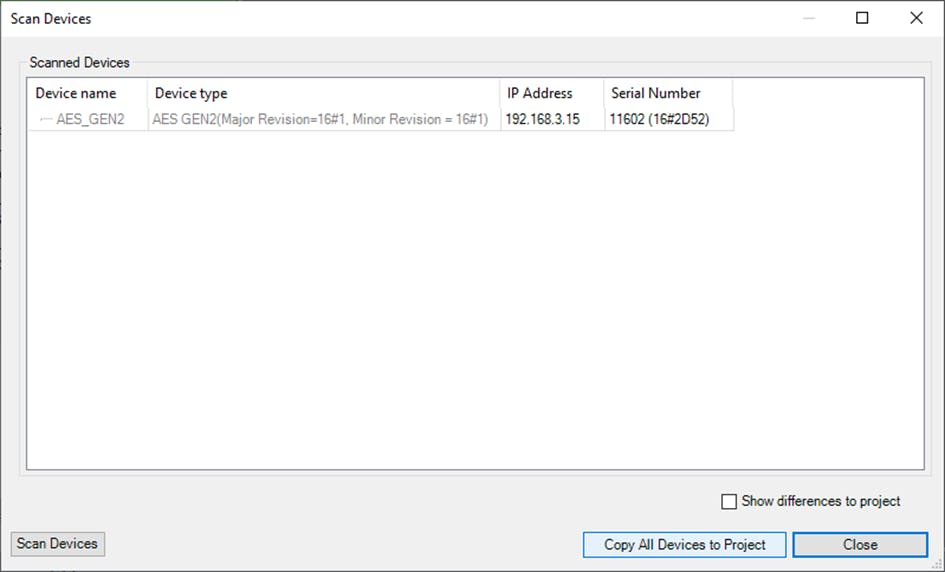
After installing the device description file, the device should be connected to the controller and an IP address should be assigned in the Ethernet/IP scanner subnet. Then the system can be scanned.
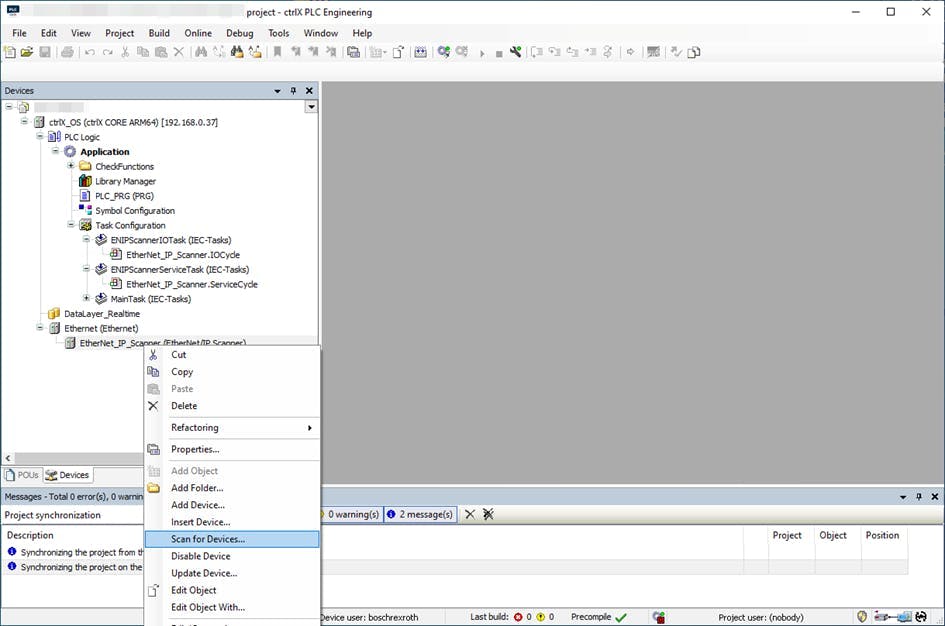
If the device is found as in the following image, it can be transferred to the project by pressing "Copy All Devices to Project".
Step 5:
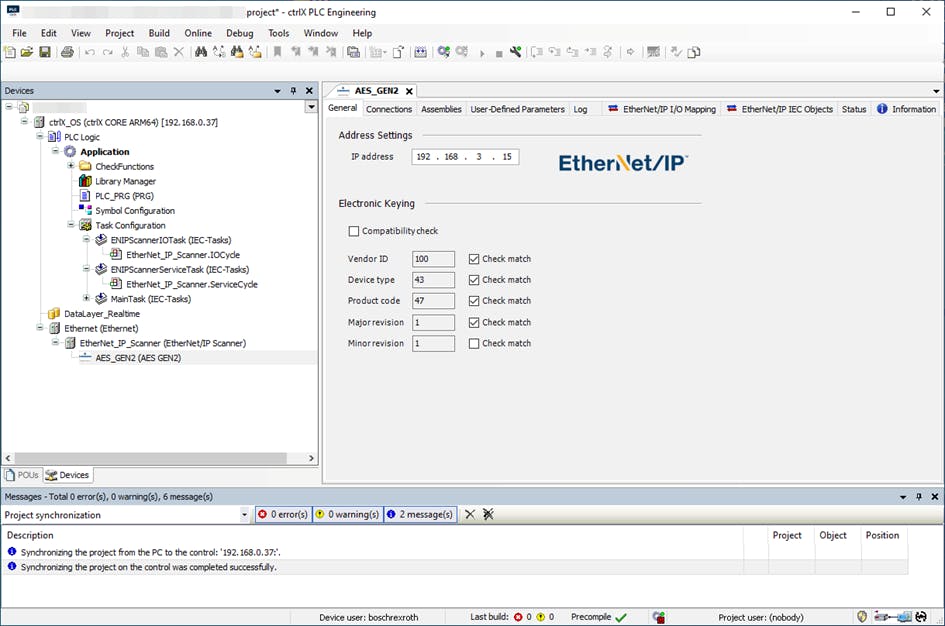
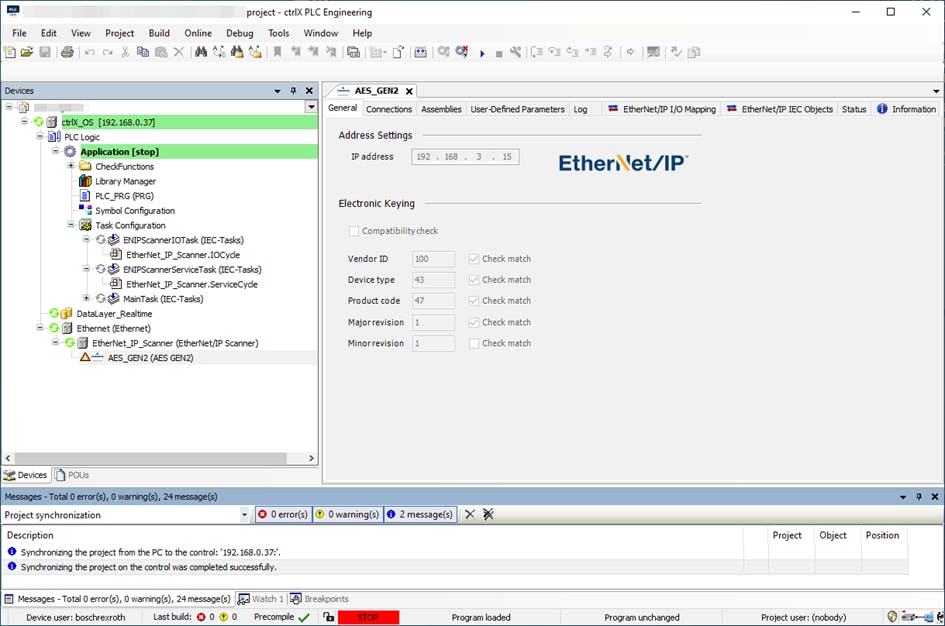
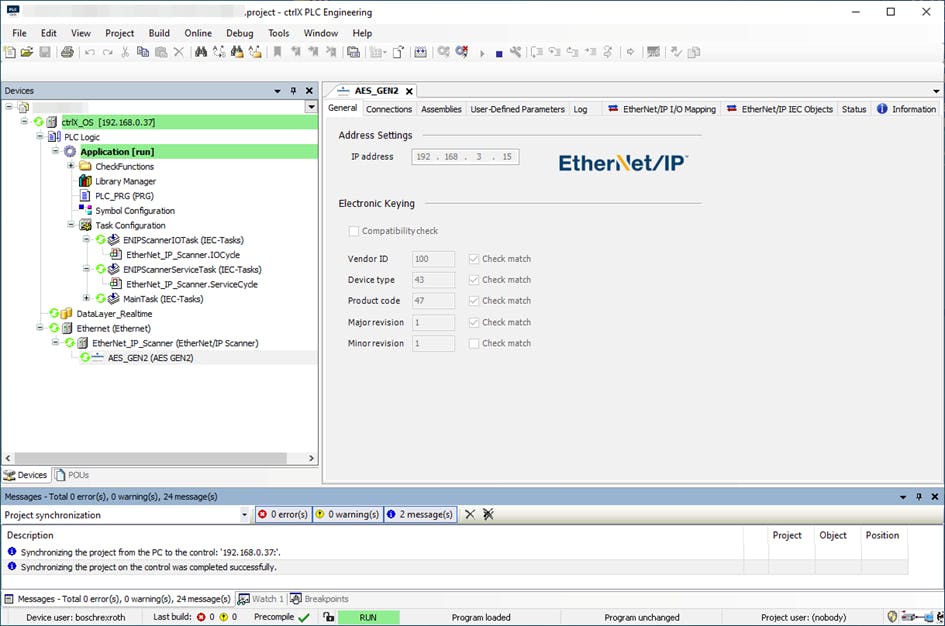
After the devices have been transferred to the offline configuration, this must be transferred to the online configuration and the PLC must be switched from STOP to RUN to check whether the communication is working correctly.